Creator Economy· Gids
Creating AI influencers: tools, possibilities, rules and pitfalls
How do you create realistic video avatars for socials or training? With platforms such as HeyGen and Synthesia you create digital presenters without a camera, but transparency and consent are legally required. A practical guide through the technology, EU legislation and ethical pitfalls.
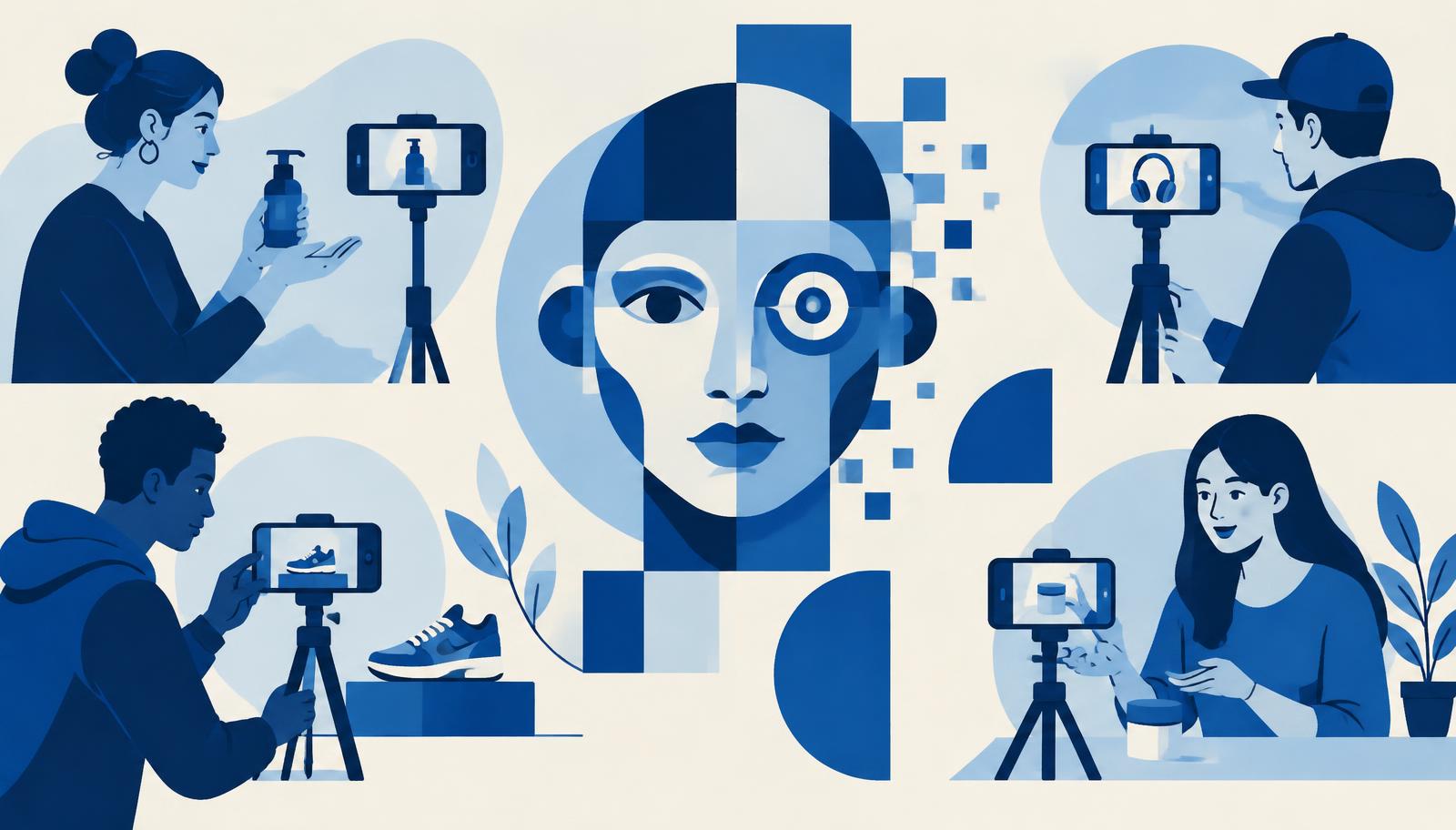
Short answer: You create AI influencers or digital avatars with platforms such as HeyGen and Synthesia, which generate videos from a script, photo or link. Since August 2026, stricter rules for transparency apply in the EU (AI Act), and YouTube requires reporting of synthetic content that appears realistic. Consent and honest disclosure are essential to avoid legal and reputational risks.
What are AI influencers and how do they work?
An AI influencer is a digital presenter generated by artificial intelligence that appears in videos, posts or livestreams. Instead of a real person in front of the camera, you use a digital avatar model that talks, moves and expresses emotions. The technology behind these avatars is referred to as AI video generation or avatar generation.
Companies such as HeyGen [1] and Synthesia [2] provide the tools to create such avatars. Their platforms are designed for businesses, creators and marketers who want to produce faster without a studio or film crew. According to HeyGen, there are now more than 1 million developers and users active on their platform [1], whilst Synthesia is trusted by more than ninety per cent of Fortune 100 companies [2].
How does creating an AI influencer work?
With both platforms you follow broadly the same steps:
Step one: choose your avatar
You select a pre-built avatar model from a library with hundreds of standard personas, or you upload a photo or short video to create a personalised avatar. HeyGen calls this Avatar V [1], Synthesia speaks of Personal Avatar [2]. Both platforms require a live consent recording in which the depicted person explicitly gives permission before their face may be used as an avatar [1][2].
Step two: write a script or upload existing content
You type a text, paste a URL or upload a presentation, PDF or other document. The AI assistant generates a video complete with voice-over, facial expressions, gestures and background. HeyGen describes this as Video Agent, which goes "from idea to finished video with just a prompt" [1]. Synthesia calls it Assistant, which creates "a polished, on-brand video in minutes" from a file or link [2].
Step three: adjust and refine
You can adjust backgrounds, clothing, tone, timing and visual elements. With both platforms everything remains editable, even after generation. HeyGen emphasises that you can "directly adjust text, colour, timing or layout in AI Studio without re-rendering the video" [1]. Synthesia offers Brand Kits to keep logos, colours and fonts consistent [2].
Step four: translate and publish
Both platforms support translation into more than 140 languages [1][2]. HeyGen offers lip-sync and voice cloning in 175 languages and dialects [1]. Synthesia mentions one-click translation and dubbing that preserves the original voice [2]. You then publish via a share link, embed or export to a learning platform.
Advantages of AI avatars for creators and businesses
Speed and cost reduction: Coursera reported that their viewing time increased by forty per cent and their completion rates by twenty-five per cent after deploying HeyGen-translated videos [1]. Teams save up to ninety per cent time and costs on video production [2].
Scalability: One script can be converted into dozens of languages without new recordings. Synthesia shows that companies create a hundred-plus customised videos in five languages without external parties [2].
No technical skills needed: Ninety per cent of Synthesia users publish their first video without a tutorial [2]. HeyGen speaks of "no camera, editing software or production skills needed" [1].
Consistency: HeyGen's Avatar V maintains "a single, coherent identity across every video" and works without drift, artefacts or uncanny valley effect [1].
Limitations and risks
Authenticity: Digital avatars lack genuine human emotion. For building trust or sensitive subjects, a real person may be more effective.
Deepfake risk: Without clear consent or transparency, you can be held legally liable. Both platforms require identity verification and live consent [1][2], but misuse remains possible if rules are circumvented.
Platform rules and legislation: YouTube requires that creators report synthetic content that appears realistic via the 'AI use' setting [4]. This applies to content that "makes a real person appear to say or do something they didn't", or "alters footage of a real event or place" [4]. Those who don't do this risk manual addition of a label by YouTube, removal of content or suspension from the YouTube Partner Programme [4].
The European AI Act requires transparency for realistically generated or altered content from August 2026 [3]. Generative AI content must be identifiable, and certain AI-generated content must be clearly and visibly labelled, particularly deepfakes and texts published to inform the public about matters of public interest [3].
Portrait rights and consent: Under European and Dutch law, you need consent to use someone's face commercially. Both platforms explicitly ask for consent recordings [1][2], but always check whether you have permission if you create an avatar of another person.
Modulation and filtering: Some content is automatically checked. HeyGen applies ML scanning to detect violations immediately and has human reviewers for borderline cases [1]. Synthesia does not allow violence, political campaigns or harm to minors [2].
Practical tips for safe and effective use
Be transparent: Always make it clear that your content is AI-generated. YouTube requires that you select the 'AI use' setting during the upload process [4]. The AI Act stipulates that providers must ensure that AI-generated content is identifiable [3].
Obtain consent: If you create an avatar of a real person, ensure written and video consent. Both platforms require a live, on-camera consent recording [1][2].
Use Brand Kits and glossaries: Keep brand terminology and product names consistent with Custom Glossary (Synthesia) [2] or Brand Kits (HeyGen) [1].
Test your message: Before rolling out to a large audience, test your videos internally or with a small focus group. Pay attention to lip-sync accuracy, emotion and naturalness.
Check compliance: HeyGen and Synthesia are SOC 2 Type II, GDPR, ISO-certified and comply with the AI Act [1][2][3]. Check whether your own implementation meets the requirements of your sector (for example, SCORM export for e-learning).
Avoid deception: The AI Act prohibits nine practices, including harmful AI manipulation, social scoring and generating non-consensual sexually explicit content [3]. Stay within ethical boundaries and prevent your avatars from being used for disinformation.
Legal obligations in the EU and on YouTube
EU AI Act
The AI Act is the first broad legal framework for AI worldwide and entered into force on 1 August 2024 [3]. Most provisions have been applicable since 2 August 2026. The regulation uses a risk-based approach:
- Prohibited practices: Nine AI applications are prohibited, including generating non-consensual sexually explicit content or child abuse material [3]. These prohibitions have been in force since February 2025.
- Transparency obligation: Providers of generative AI must ensure that AI-generated content is identifiable. Certain AI-generated content must be clearly and visibly labelled, particularly deepfakes and text that informs the public about matters of public interest [3].
- General purpose AI models (GPAI): Rules for transparency and copyright apply from August 2025 [3].
YouTube disclosure requirements
YouTube requires creators to report AI-generated or significantly altered content that appears realistic [4]. This includes content that:
- Makes a real person appear to say or do something they didn't.
- Alters footage of a real event or place.
- Generates a realistic scene that didn't actually occur.
- Generates music that is the main focus of the video [4].
Creators make the report via the 'AI use' setting in YouTube Studio [4]. After uploading, a label appears in the video player or in the expanded description field. YouTube may also automatically apply an AI label for content created with YouTube's GenAI tools, content with C2PA metadata or content that internal systems detect [4].
Those who don't report risk manual addition of a label, removal of content or suspension from the YouTube Partner Programme [4].
Frequently asked questions
Can I create an AI avatar of myself?
Yes, both platforms allow you to create a personalised avatar by uploading a photo or short video. HeyGen calls this Avatar V [1], Synthesia speaks of Personal Avatar [2]. Each personalised avatar requires a live, on-camera consent recording in which you explicitly give permission [1][2].
Must I always report that I use AI content?
Yes, if your content appears realistic. YouTube requires reporting for content that "makes a real person appear to say or do something they didn't" or "alters footage of a real event or place" [4]. The EU AI Act stipulates that AI-generated content must be identifiable and that certain content must be clearly and visibly labelled [3]. Non-realistic content (for example, someone riding a unicorn) or minor adjustments (beauty filters, colour correction) don't need to be reported [4].
How much does it cost to create AI influencers?
Synthesia offers a free basic plan with five hundred credits per month, enough for a maximum of ten minutes of video [2]. HeyGen mentions a free starter option [1], but precise prices aren't listed on the official sites. Compare available plans on the respective websites.
Which languages are supported?
HeyGen supports 175 languages and dialects [1]. Synthesia supports more than 140 languages [2]. Both platforms offer lip-sync, voice cloning and one-click translation.
In conclusion
Creating AI influencers is technically easier than ever, but legally and ethically more complex. Use platforms such as HeyGen and Synthesia to produce scalable videos quickly, but adhere to the transparency obligations of the AI Act and YouTube. Always obtain consent, be honest about the use of AI and avoid deception. This way you build trust and prevent your avatar from becoming a pitfall.
Read also
- Best tools for short AI videos and clipping: official features compared
- Everything about Creator Economy
- AI tools in our tool guide
Sources
1. HeyGen — HeyGen
2. Synthesia — Synthesia
3. European Commission — AI Act
4. YouTube — Disclosing altered or synthetic content
Sources
- [1]HeyGen: HeyGen
- [2]Synthesia: Synthesia
- [3]Europese Commissie: AI Act
- [4]YouTube: Disclosing altered or synthetic content
This article was produced with AI assistance from the original sources cited and checked against our editorial policy. Editorial policy